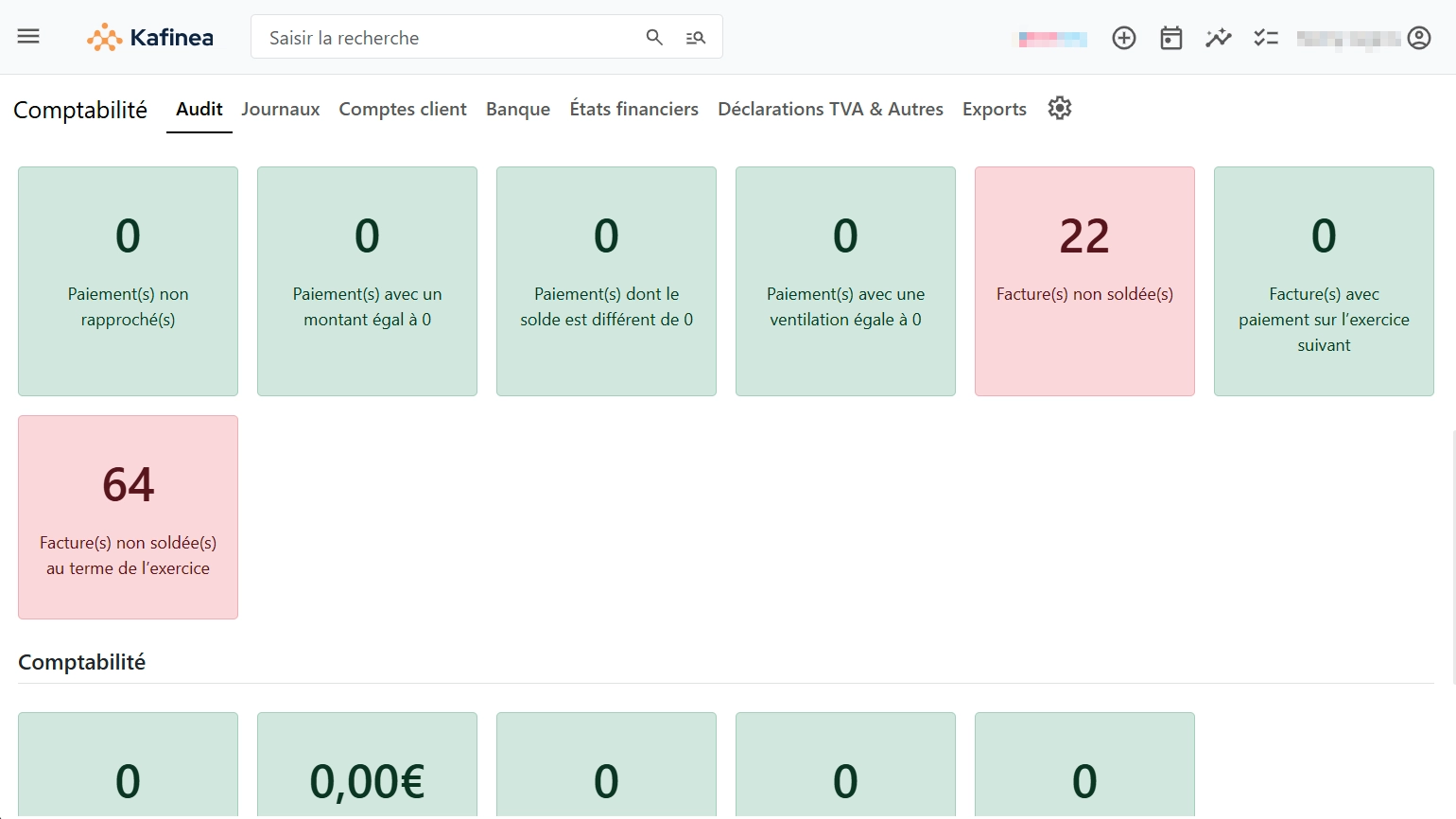
Accounting

audit accounting capture kafinea
kafinea logo svg

Automatic accounting

Automatic bank synchronization

kafinea logo svg

INTELLIGENT bank reconciliation

SEPA direct debit

Automated accounting

  • Autonomous AI agents

    Entrust complex missions to intelligent agents who break down tasks, execute them in the right order and adapt their actions continuously.

  • REST API

    Synchronize data in real time between the platform of your choice and your Kafinea instance.

  • AI assistant on text fields

    Have your textual content automatically synthesized, lengthened, reformulated or corrected for greater precision and fluidity.

  • AI-powered automation

    Integrate AI prompts into your workflows to automate calculations, analyses and decision-making based on your ERP data.

  • Interactive AI chatbot

    Ask questions about the data you have access to, and receive instant answers in text, tabular or graphical form.

  • Reminder notifications

    Customize your reminders (pop-up window, email or SMS) and their triggers.

  • AI Prompt

    Use AI in Kafinea workflows to understand a situation and automate actions.

  • Scheduled reports

    Set up the periodic emailing of a tabular or graphical report.

  • Rapprochement de paiements

    Simplify your invoicing follow-up by letting yourself be guided by the wizard, which associates incoming payments with similar unpaid invoices.

  • Advanced AI search

    Benefit from intelligent search that goes beyond semantics, understands the meaning of your queries and delivers relevant results.

  • MCP server for external AI

    Connect external artificial intelligences to Kafinea to enrich your automated processes and extend your capabilities.

  • Webhooks

    Send data to other platforms about an event that has just taken place.

  • Customizable workflows

    Créez vos workflows pour automatiser la création d’un enregistrement la mise à jour d’un champ, un envoi d’e-mail et bien plus encore.

Advanced accounting functions

  • Customizable fields

    Add your own input fields, picklists, date selectors, URLs, etc.

  • Commentaires avec pièces jointes

    Partagez des informations et documents entre collaborateurs via le bloc Commentaires des enregistrements Kafinea.

  • Droits d’accès avancés par utilisateur

    Choisissez quelles actions sont faisables ou quelles informations visibles par chaque utilisateur, au champ près.

  • Filtrage d’enregistrements par tag

    Regroupez différents enregistrements sous un même tag pour les retrouver facilement en un seul endroit, même s’ils proviennent de modules différents.

  • Modèles d’e-mails dynamiques et personnalisables

    Créez vos propres modèles d’e-mails dynamiques facilement en utilisant des shortcodes.

  • Modèles PDF dynamiques et personnalisables

    Designez autant de modèles PDF dynamiques que souhaité en utilisant des shortcodes.

  • Relational tabs

    Passez d’un enregistrement à un autre enregistrement qui y est lié en un clic via les onglets relationnels.

  • Dependent picklists

    Create a relationship between two picklists so that the choices available in one dynamically adapt to the choice made in the other.

  • Reports and charts

    View key information on the module of your choice in real time via tabular and graphical reports.

Basic accounting functions

  • Customizable blocks

    Organize your records into accordion blocks to group your fields.

  • Comptes comptables clients et fournisseurs

    Facilitez votre comptabilité en liant vos clients et fournisseurs au compte comptable qui leur correspond.

  • Duplication d’enregistrement

    Dupliquez un enregistrement en un clic.

  • Export de données au format PDF

    Export the data of your choice in PDF format.

  • Gestion multi-devises

    Do business with your customers abroad, Kafinea is compatible with multiple currencies.

  • Images d’illustration

    Illustrez vos enregistrements à l’aide d’une image afin de les identifier plus facilement.

  • Import de données au format CSV

    Import data via a CSV file by mapping columns in the original file to Kafinea fields.

  • Manual payment entry

    Manually enter a payment received physically, by cheque or cash for example.

  • Customized naming sequences

    Set prefixes and suffixes for your document names and their incrementation.

  • Customizable dashboards

    Create your own individual dashboards and easily find the information that matters to you.

  • Filtered views

    Create the data lists with filtered views you need on a regular basis.

  • Dynamic widgets

    Create your own widgets on your dashboards and visualize your data more easily.

Unleash your company's potential now.