Tickets
Pick the winning ticket for your customer service.
Do your customers’ hassles and issues stay on hold when your assistants are on paid leave? Not with Kafinea.
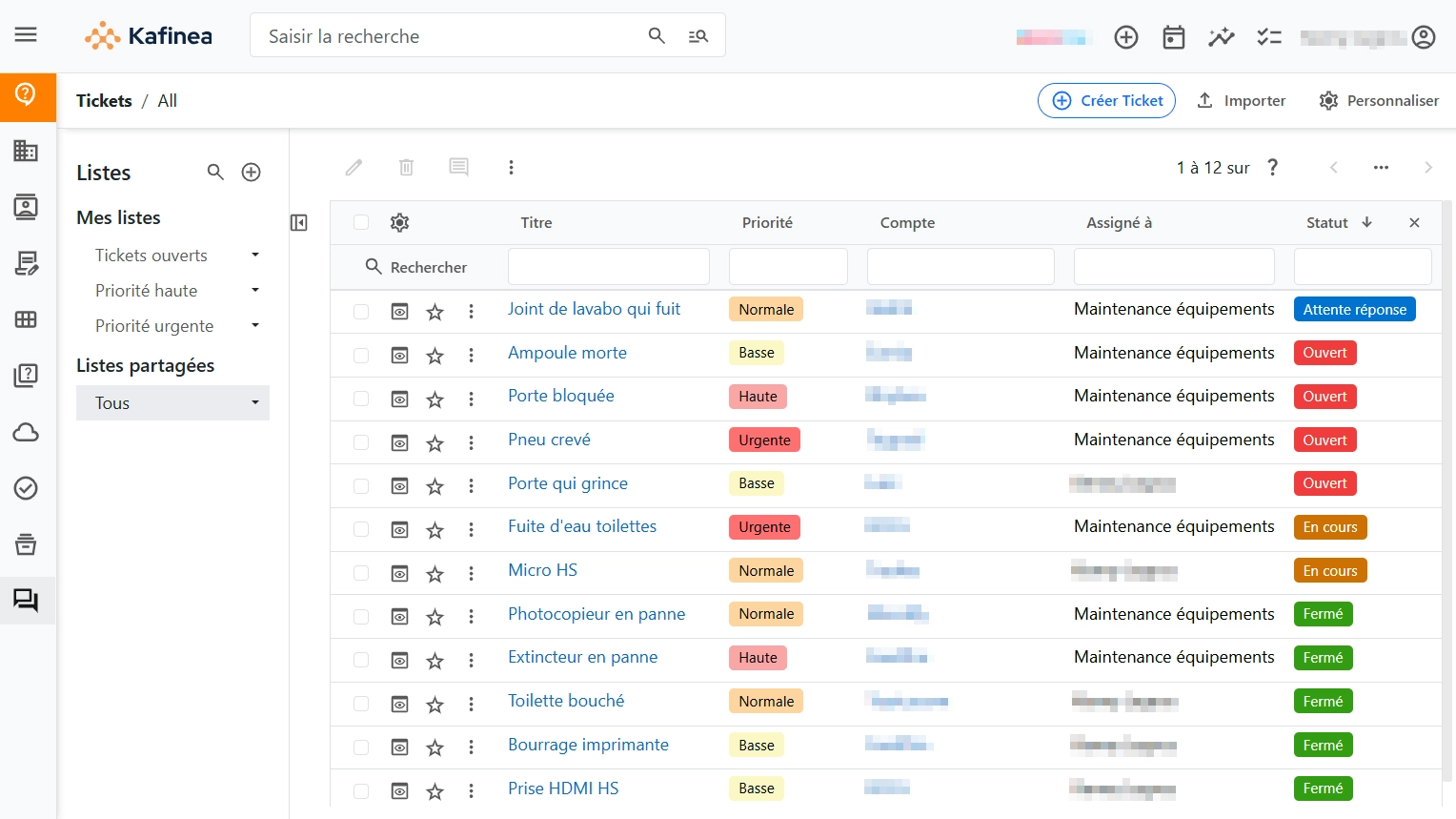

Simplified management
Sort your tickets clearly and in an organized way
Link incoming tickets to other records in the software related to those tickets, so you can filter them and find them more easily.
For example, you can indicate that a ticket is linked to a customer account, a contact at that customer, a specific product, a particular service contract, an ongoing project, etc.
Workflow routing
Automate the routing of requests to the right teams
With Kafinea workflows, incoming tickets can be automatically assigned to a team based on their nature, the product concerned, the type of customer behind the request, and much more.
Save time by letting your ERP route tickets to the employee or team that will be able to respond as quickly as possible. Increase customer satisfaction and reduce stress for your teams.

Submission via the customer portal
Offer your customers a dedicated space
Open extranet access for your customers and give them the ability to submit tickets and track their progress via the customer portal.
No more hiding: your customers know you are on it, feel reassured, and contact you less. Everyone wins!
Conversion to FAQ
Anticipate your customers’ questions
Convert a resolved ticket into an answered question in a single click. You can then make this FAQ available to your customers on the extranet.
Reduce the number of requests and give yourself time to address the truly major issues.